
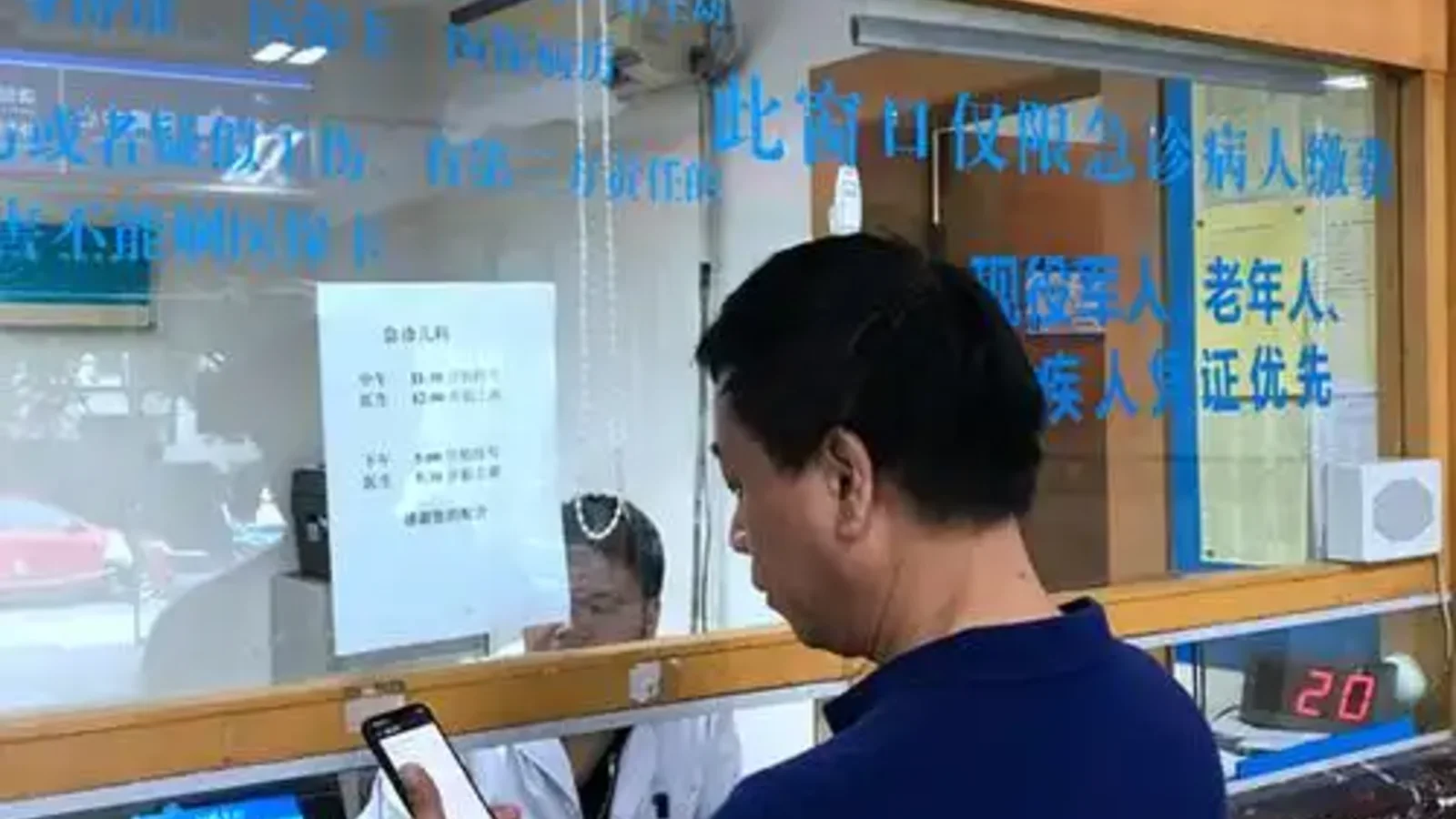
In China, a hospital day often depends on your phone more than foreign patients expect. It may hold the booking message, the payment step, the ride home, and the screenshot that proves you are standing at the right building.
That does not mean you need every local app. It means one weak digital link can slow down an otherwise simple visit.
Start with the core stack
For most trips, five app groups are enough: one for communication, one for payment, one for transport, one for maps, and one simple place to keep records and screenshots you can open offline.
In practice, that usually means WeChat, Alipay, WeChat Pay if your setup supports it, DiDi or another ride-hailing entry point, a China-compatible map app, and a phone folder that stores your essentials without needing signal.
If you already know the hospital, add its app, official account, or mini program only if it solves a real step you will actually use.
What each app should solve
Do not judge an app by name alone. Judge it by the job it must do.
Communication
The communication layer matters because hospital days rarely stay contained inside the hospital itself. You may need to forward a registration screenshot, share your live location with a companion, or reply to a message from a local coordinator quickly enough that the day keeps moving.
That is why WeChat becomes the default channel on many trips, even when the actual medical care happens elsewhere.
Payment
Payment is not only about the hospital bill. It is also the registration fee, the medicine pickup, the taxi after a long scan, and the food stop during a day that took longer than planned.
Set up digital payment early. Then assume you still need a backup, because payment failure at the wrong moment creates stress far beyond the size of the charge itself.
Transport
A transport app earns its place when you are tired, late, or standing outside the wrong entrance. It should help you reach the right campus, leave quickly after a draining visit, and share a pickup point clearly enough that a companion or driver can find you without another ten minutes of confusion.
This matters even more after imaging, sedation, pain treatment, or a day spent moving between departments.
Maps
A map app is not just there to find the hospital name once. Its real job is to separate the correct campus from the wrong one, estimate travel time at the hour you will actually move, and save a Chinese-language destination that a driver can use without guesswork.
Many hospitals have multiple entrances or campuses, so a generic English place name is often not enough.
Records and screenshots
Keep one simple offline folder with the documents and screenshots you are most likely to reopen under pressure: your passport photo page, appointment confirmation, hospital and hotel addresses in Chinese, a short medical summary, and any recent reports that tend to get shown more than once.
Do not assume signal will be good at the exact moment you need them.
Add hospital-specific tools only when they solve a real problem
Some hospitals also rely on their own app, official account, or WeChat mini program for registration, queue numbers, report access, payment, or follow-up messages.
Still, not every foreign patient needs to master the whole system before arrival. If the hospital still offers counter help, the practical goal is smaller: confirm whether the app is required, log in if you can, and save screenshots if you cannot.
What usually fails first
The failures are usually boring ones. A verification code does not arrive. A passport check stalls. Card binding fails inside the payment app. The map points you to the wrong campus. The pickup point outside the hospital is much less obvious than it looked on the screen.
They sound minor until they take the same hour you meant to use for registration, testing, or rest.
A practical setup that works
Before the first hospital day, make sure WeChat actually works on your phone, at least one payment method is live, verification codes can reach you, the hospital and hotel names are saved in Chinese, key records open without signal, and your companion can reach the same critical screenshots.
If one link still looks weak, either fix it before travel or build an obvious backup around it.
What not to over-optimize
You do not need every China lifestyle app, one perfect super-app, or a hospital app that magically solves language gaps. A smaller setup that you have actually tested is better than a long app list you barely recognize when the day begins.
Read these next
If you are still building the digital side of the trip, the next useful pieces are , , and .
Source note
This guide follows the patient-preparation logic used in official hospital visit materials such as Mayo Clinic appointment preparation guidance and NHS patient information on accessibility, communication, and visit readiness, then adapts that structure to China-specific hospital apps, transport, and payment workflows.